
Learn the schedule. Defend the decision.
A practitioner-built handbook for the people who plan, review, update, and rely on construction schedules—from CPM mechanics to delay analysis.
Professional reference desks
Read the method, then practice the work.
Move from applied case labs and editable review tools to the living glossary, annotated P6 handbook, and repeatable governance playbooks.
Professional toolkit
Build an operating packet and download review checklists, narratives, change logs, memoranda, and recovery templates.
Open the toolkit →143 sourced termsConstruction scheduling glossary
CPM, P6, updating, quality, delay, risk, EVM, and contract-time language in plain English.
Open the glossary →Field-ready playbooksBest-practice handbooks
Baseline acceptance, update governance, change control, recovery, quality, and schedule-record standards.
Browse the playbooks →Sources + human review gatesEditorial standards
Inspect access scope, rights notes, version checks, revision history, privacy boundaries, and the pending SME validation gate.
Inspect the standards →Featured guides
Begin with the decisions every schedule must support.
Deep, source-aware guides with worked examples and field-ready review checklists.
Critical path method (CPM)
The calculation behind nearly every construction schedule — and what "critical" actually means.
Total float (and free float)
How far an activity can slip before the project finish moves — and why float is where schedules get gamed.
Baseline schedule
The approved plan every later update is measured against — and the document delay disputes come back to.
How to review a contractor schedule update
A monthly schedule update review for owners and owner’s reps: check the data date, progress, model changes, critical path and float, then record a decision.
Learning paths
Start from your side of the table.
These are real handbook collections, filtered to the decisions and evidence each role handles.
For owners & executives
Approve credible plans, challenge weak updates, and preserve a decision-ready record.
0215 guidesFor program executives
Read the few schedule signals that reveal whether a portfolio commitment is still defensible.
0341 guidesFor schedulers
Build, calculate, update, and defend a logic-driven CPM schedule in professional practice.
0439 guidesFor contractors
Turn the means and methods into a credible baseline, monthly update, and recovery plan.
0545 guidesFor consultants & PMs
Review submissions consistently, explain findings clearly, and tie every conclusion to evidence.
0617 guidesFor claims professionals
Connect entitlement, contemporaneous records, CPM mechanics, and delay-analysis methodology.
Practical checklists
Take the handbook into the review meeting.
Use concise gates inside the deeper guides—then read the reasoning behind every check.
Critical-path review checklist
7 review gates with the supporting guide.
Float review checklist
6 review gates with the supporting guide.
Baseline acceptance checklist
9 review gates with the supporting guide.
Monthly update review checklist
7 review gates with the supporting guide.
Complete handbook
Explore every guide by topic.
Filter the library or scan the full index. Every page links to the references used to frame it.
Critical path method (CPM)
The calculation behind nearly every construction schedule — and what "critical" actually means.
Scheduling fundamentalsTotal float (and free float)
How far an activity can slip before the project finish moves — and why float is where schedules get gamed.
Scheduling fundamentalsBaseline schedule
The approved plan every later update is measured against — and the document delay disputes come back to.
Scheduling fundamentalsData date
The "as-of" line in a schedule update — everything before it is history, everything after it is forecast.
Scheduling fundamentalsLogic ties and lags
FS, SS, FF, SF and the lags between them — the relationships that make a schedule a network instead of a list of dates.
Scheduling fundamentalsWork breakdown structure (WBS)
The hierarchy that decomposes a project’s scope into the levels a schedule — and its reporting — hangs from.
Reading a scheduleSchedule quality
Whether a schedule can be trusted as a forecast — judged from its mechanics, not its promises.
Reading a scheduleNegative float
What it means when a schedule reports less than zero slack — and why it demands an answer, not a shrug.
Reading a scheduleSchedule constraints
Date pins that override logic — sometimes necessary, often a way to make a schedule say what someone needs it to say.
Reading a scheduleOut-of-sequence progress
Work reported in a different order than the logic says — a small flag that often reveals a plan no longer being followed.
Reading a scheduleHow to review a contractor schedule update
A monthly schedule update review for owners and owner’s reps: check the data date, progress, model changes, critical path and float, then record a decision.
Reading a scheduleLook-ahead schedule
The two-to-six-week slice of the plan used to run the work — where the master schedule meets the field.
Delay & claimsDelay claims, explained
Excusable, compensable, and critical delay—distinct questions that must be tested against the contract, facts, and governing law.
Delay & claimsConcurrent delay
When owner and contractor delays overlap — the most contested question in delay analysis.
Delay & claimsTime impact analysis (TIA)
A forward-looking method for modeling an event, inserting it into an appropriate contemporaneous schedule, and comparing the calculated effect.
Delay & claimsAs-planned vs as-built analysis
The retrospective comparison of what was promised against what happened — intuitive to show, hard to prove causation with.
Delay & claimsFragnet
A small network fragment modeling one change or delay event, inserted into the schedule to measure its effect.
Delay & claimsExtension of time (EOT)
A contractual mechanism for adjusting a completion obligation when the governing agreement permits time relief.
Metrics & oversightSchedule performance index (SPI)
Earned value’s schedule ratio — a useful trend and a dangerous single number.
Metrics & oversightEarned value, in plain terms
PV, EV, AC and the ratios built on them — progress measured in value rather than dates.
Metrics & oversightFloat consumption
Tracking how fast a path’s slack is being spent — the earliest honest warning most schedules give.
Metrics & oversightDCMA 14-point assessment
A widely referenced schedule-mechanics screen—what the fourteen measures catch, and why thresholds are not acceptance criteria.
Metrics & oversightSchedule compression: crashing and fast-tracking
The two levers for recovering time — paying for speed, or accepting overlap risk — and what each does to a schedule.
Metrics & oversightSchedule risk analysis (Monte Carlo)
Replacing single-point durations with ranges to see the odds behind a finish date.
Primavera P6 operationsP6 Professional interface orientation
A professional map of the Projects and Activities workspaces—what each pane controls and where to verify the schedule.
Primavera P6 operationsCreate and govern a P6 project
Set up the EPS location, project identity, dates, calendar, defaults, security, and coding before detailed planning begins.
Primavera P6 operationsBuild and audit P6 calendars
Create project calendars, define shifts and exceptions, assign them deliberately, and verify their effect on dates and durations.
Primavera P6 operationsStructure WBS and activity codes in P6
Create a scope hierarchy and controlled coding system that supports planning, responsibility, reporting, and exchange.
Primavera P6 operationsCreate activities, types, and durations in P6
Turn scope into measurable activities with stable IDs, clear names, suitable types, calendars, duration types, and progress rules.
Primavera P6 operationsBuild and verify logic in P6
Create predecessor and successor relationships, inspect driving ties, control lags, and eliminate unsupported open ends.
Primavera P6 operationsSet the data date and schedule a P6 project
Run a controlled F9 calculation with the right data date, options, completion condition, and retained schedule log.
Primavera P6 operationsCreate, assign, and protect P6 baselines
Capture the accepted plan, assign the correct comparison baseline, display it, and control later updates or replacements.
Primavera P6 operationsStatus and update a P6 schedule
Collect defensible actuals, reforecast remaining work, advance the data date, calculate, compare, and publish a complete update record.
Primavera P6 operationsBuild professional P6 layouts, filters, and reports
Create controlled views for planning, status, critical paths, baseline comparison, quality review, and stakeholder reporting.
Primavera P6 operationsRun and disposition P6 Check Schedule
Screen logic, lags, constraints, float, durations, progress, baselines, closed-project links, and out-of-sequence work.
Primavera P6 operationsImport, export, and validate P6 XER files
Exchange native schedule data without losing lineage, overwriting global data blindly, or mistaking a successful import for parity.
Primavera P6 operationsAssign resources and costs in P6
Load resources, roles, units, rates, expenses, and accrual rules without allowing calculation settings to rewrite the plan silently.
Primavera P6 operationsCalculate multiple float paths in P6
Expose the controlling and near-controlling paths to a selected milestone instead of reporting one critical chain only.
Best-practice playbooksSchedule basis memorandum
Document the planning rules, assumptions, calendars, coding, logic, resources, constraints, and calculation settings behind the schedule.
Best-practice playbooksConstruction calendar governance
Control workweeks, shifts, holidays, weather, possessions, shutdowns, and P6 assignments as managed schedule data.
Best-practice playbooksHow to review and accept a baseline schedule
How owners review and accept a contractor baseline schedule: completeness, contract dates, scope, logic, calendars, quality exceptions and a recorded decision.
Best-practice playbooksMonthly schedule update governance
Operate a repeatable cutoff, status, change, calculation, review, response, and approval cycle.
Best-practice playbooksSchedule change-control playbook
Separate progress from revisions, authorize consequential edits, preserve before-and-after files, and keep the baseline yardstick intact.
Best-practice playbooksSchedule quality thresholds and exception management
Set project-specific screening thresholds, investigate exceptions, and trend the quality of the native schedule without gaming the score.
Best-practice playbooksSchedule recovery-plan playbook
Convert a missed forecast into specific, resourced, risk-tested actions with measurable recovered days and approval gates.
Best-practice playbooksSchedule records and audit-trail handbook
Preserve native files, calculations, narratives, evidence, comments, decisions, and exchanges so future reviews can reconstruct what happened.
Bring the handbook into your team’s operating practice.
See how Kairos connects native schedules, reviews, evidence, and decisions—or build consistent capability through role-based training for scheduling professionals.
Review the Academy’s sources, editorial standards, and professional limitations →
See the idea in action
A few minutes.
A clearer next step.
 1:30
1:30Kairos 101 · 01 of 06
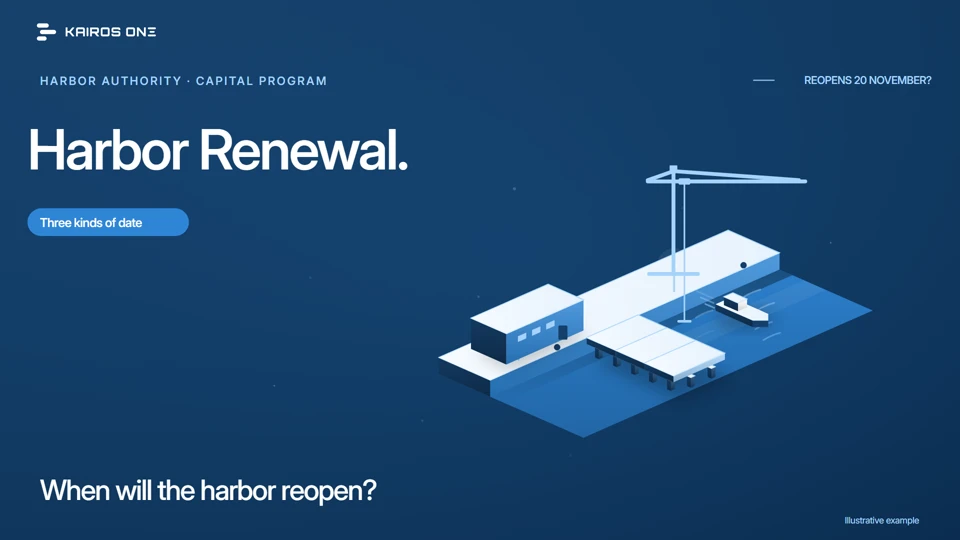
Three dates that make the plan easier to read
Baseline, forecast and data date, explained on Harbor Renewal's reopening, and how Kairos keeps all three on the record.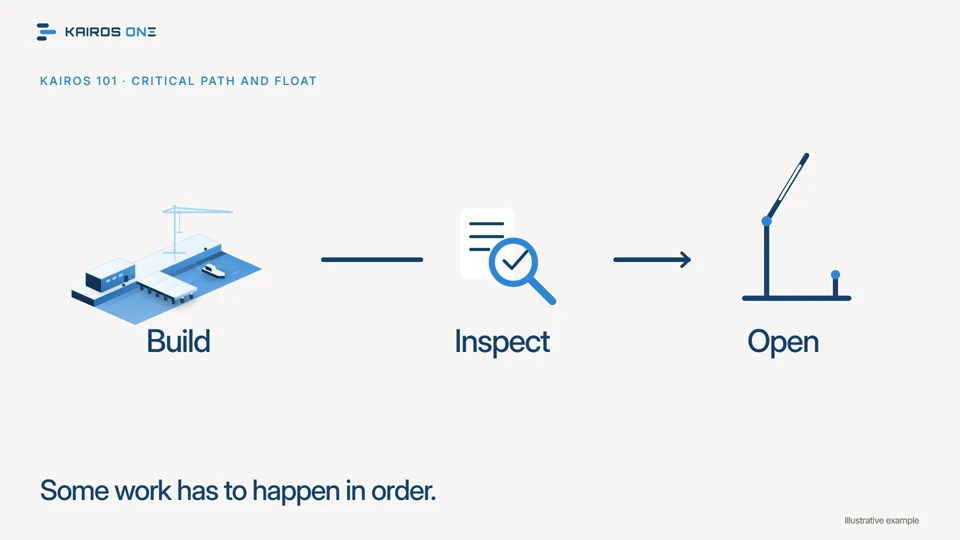 1:28
1:28Kairos 101 · 02 of 06
Which work controls the finish?
Critical path and float, explained on the chain that reopens Harbor Renewal's pier, and how Kairos reports both for every changed activity.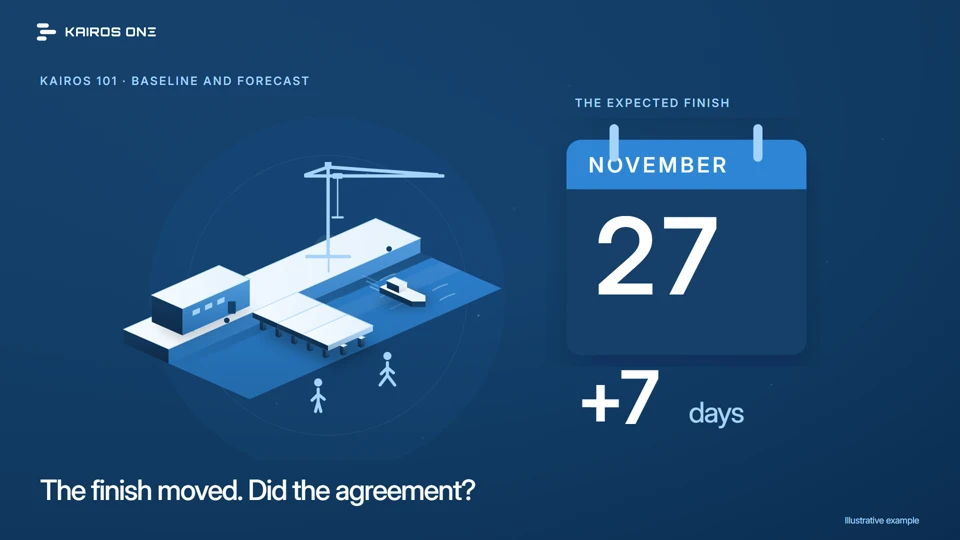 1:23
1:23Kairos 101 · 03 of 06
The plan you agreed and the finish you now expect
Why the baseline and the forecast must stay distinct, shown on Harbor Renewal's seven days and on the baseline status Kairos tracks as its own record.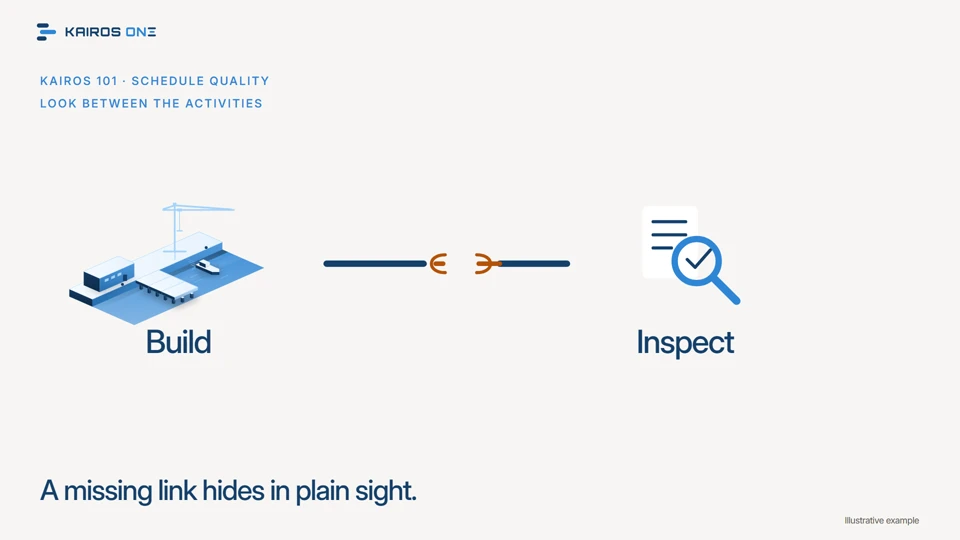 1:27
1:27Kairos 101 · 04 of 06
A full schedule still needs a quality check
Why a complete looking schedule can still be wrong, what a quality check looks for, and how Kairos tests Harbor Renewal's August update: eleven of twelve checks pass, one fails, two activities counted.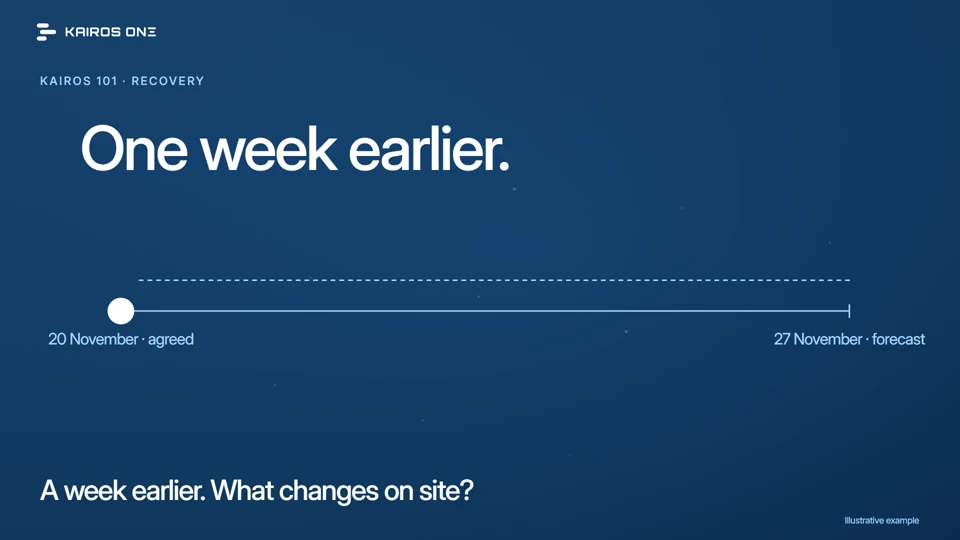 1:26
1:26Kairos 101 · 05 of 06
A recovery plan needs a reason to work
The contractor proposes to recover Harbor Renewal's week. What has to change on the critical path, which assumptions carry the plan, and how Kairos records and tests the recovery update by update.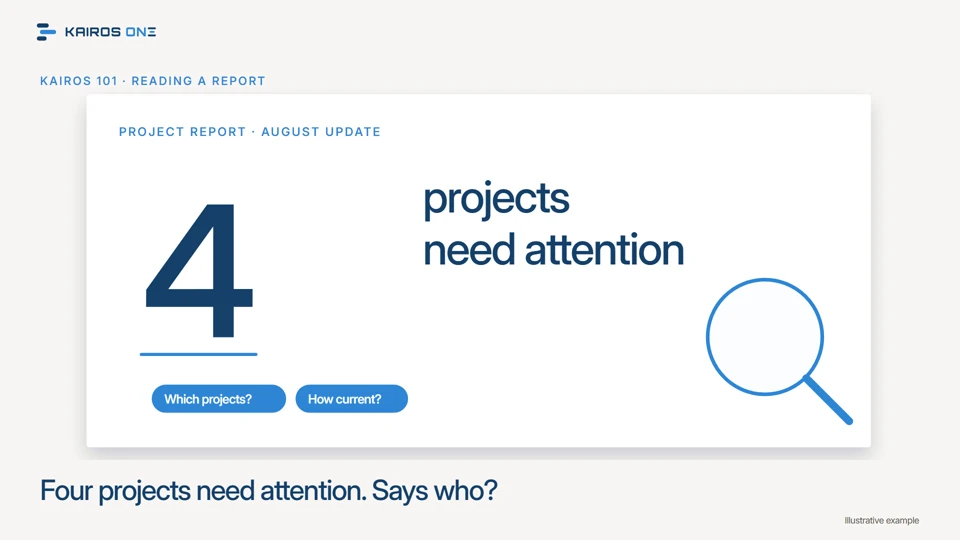 1:29
1:29Kairos 101 · 06 of 06