
KAIROS VIDEO GUIDES
Understand the work.
See the next move.
Three numbered series. Product tours show the work on the real interface, Kairos 101 explains the schedule ideas behind it, and Buyer guides shape an evaluation. Start with the first film of each.
21 short videos · Captions and transcripts included21 videos
 1:42
1:42Product tours · 01 of 10 / Managers & executives
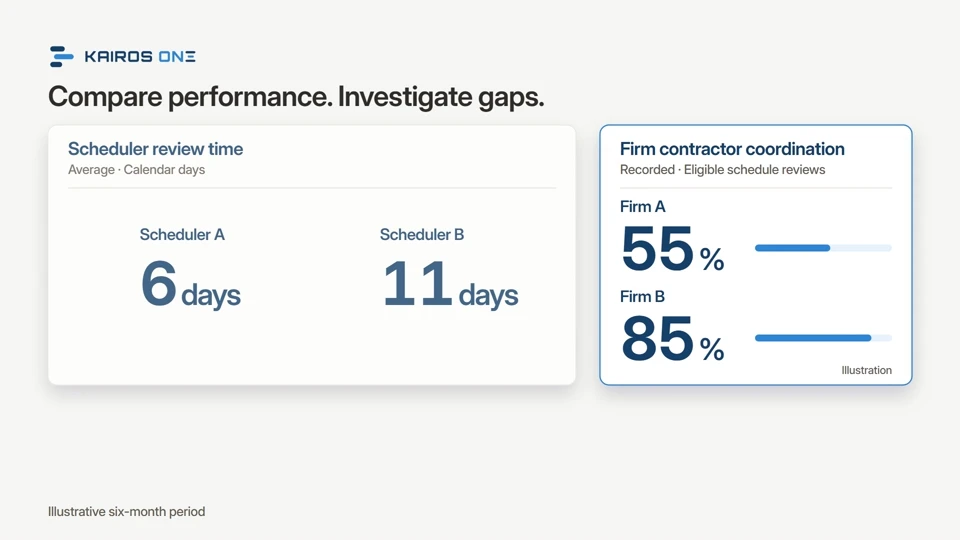
Start hereAre you getting the work you pay for?
You pay schedulers and consultants to manage schedules across your projects. Kairos One shows overdue reviews, missing schedules and outdated updates in one place, tracks each review step through to the contractor, compares review performance, gives managers time for recovery schedules and finds the delay causes that keep coming back. Know sooner, act faster: on the Kairos platform, with our advisory team, or both.Watch and explore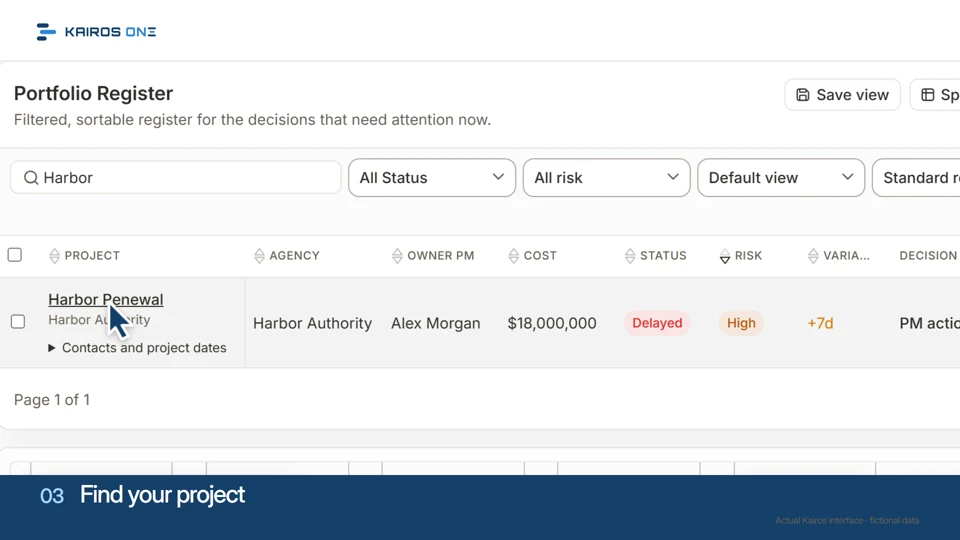 1:04
1:04Product tours · 02 of 10 / Everyone
Your first minute with Kairos
A cursor-led first minute in the real product: the portfolio register, one project, the record behind its row and the work it generates.Watch and explore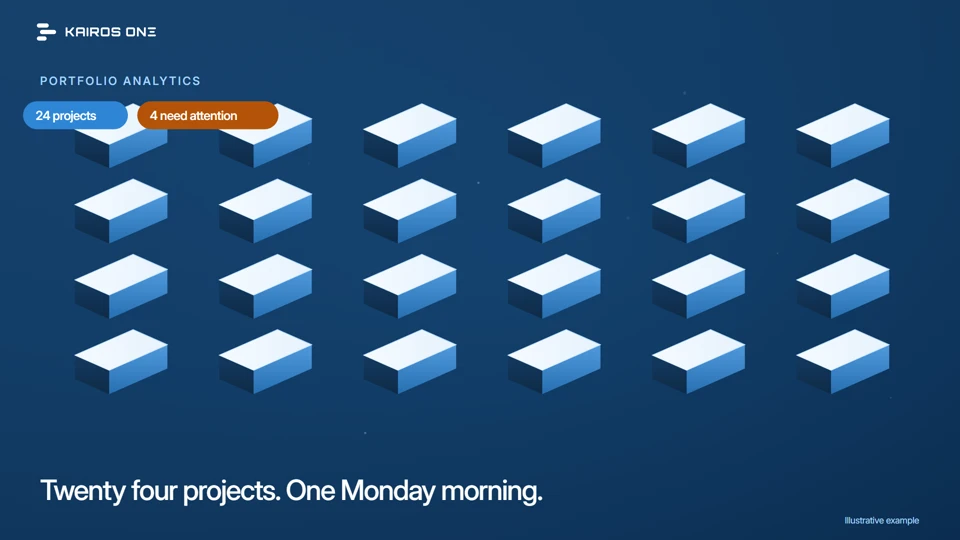 1:09
1:09Product tours · 03 of 10 / Managers & leaders
See which projects need attention
How Kairos ranks a portfolio by what changed, takes you from the pattern to one project, and rolls the same numbers into the executive one pager.Watch and explore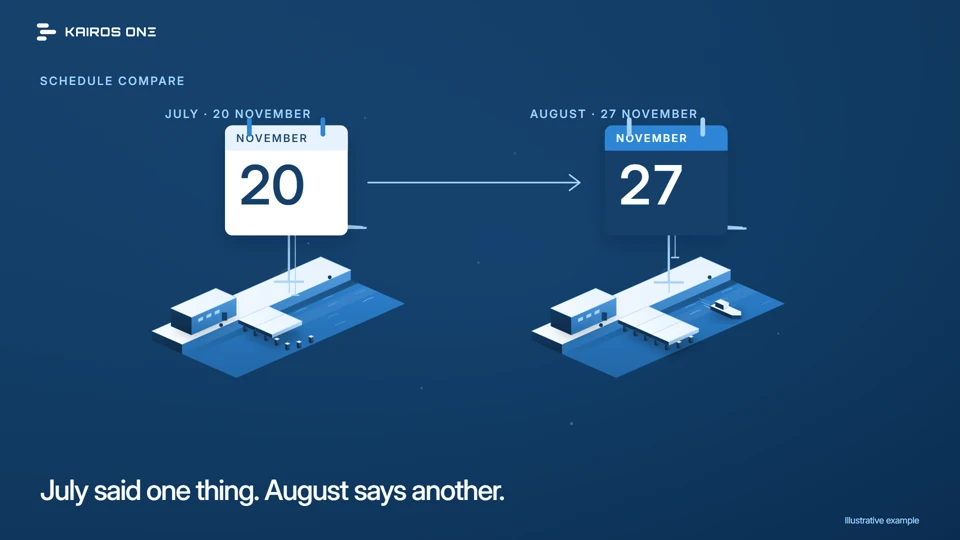 1:11
1:11Product tours · 04 of 10 / Project teams & managers
What changed since the last update?
Follow Harbor Renewal's seven days from the July update to the August update: where the movement lives, how Kairos compares the two files, and what the comparison can and cannot settle.Watch and explore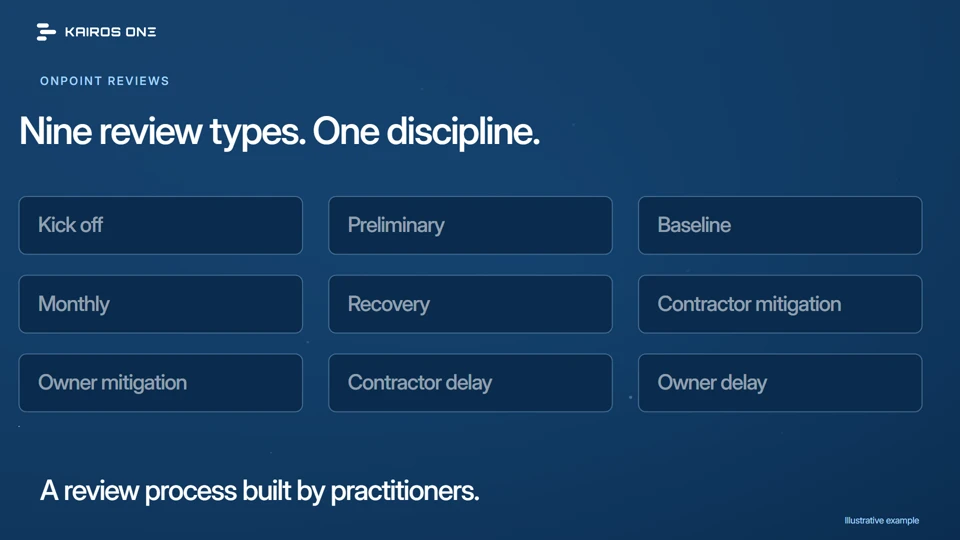 1:27
1:27Product tours · 05 of 10 / Reviewers & managers
Follow a review from question to recommendation
OnPoint is the review process in Kairos, built by credentialed practitioners. Follow Harbor Renewal's eighth monthly review from receipt to a recorded recommendation.Watch and explore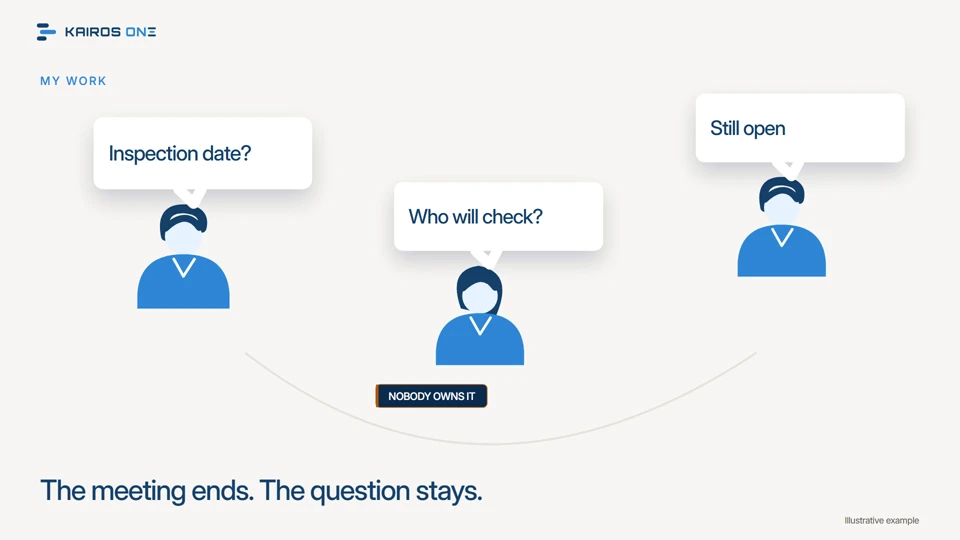 1:13
1:13Product tours · 06 of 10 / Project teams & new users
Turn a project question into a clear next step
How an open concern from Harbor Renewal's weekly meeting becomes a task with an owner and a date in Kairos, and how the loop gets closed.Watch and explore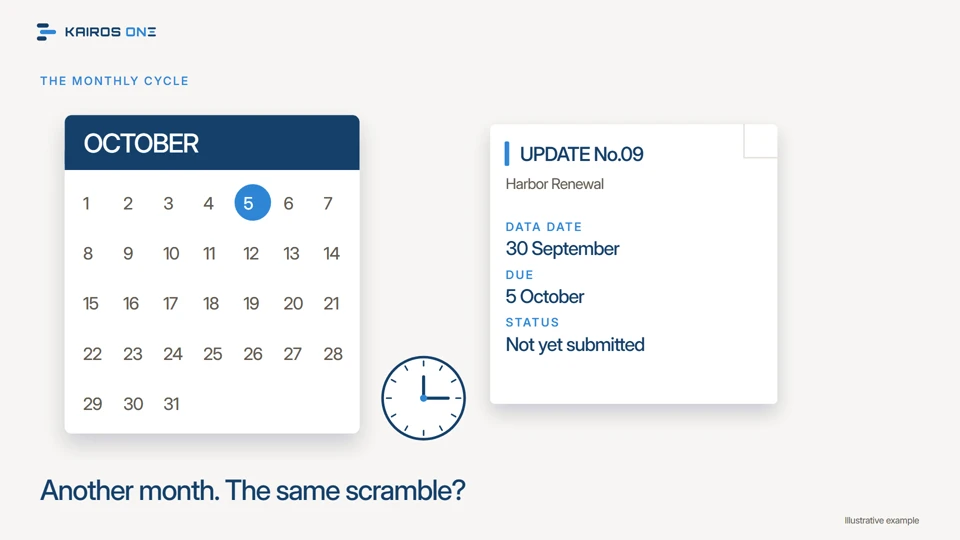 1:17
1:17Product tours · 07 of 10 / Project teams, owners & new users
Make every monthly review easier to follow
A repeatable monthly cycle on Harbor Renewal: know what has not arrived, import and compare the right two updates, record the review and carry the open questions forward.Watch and explore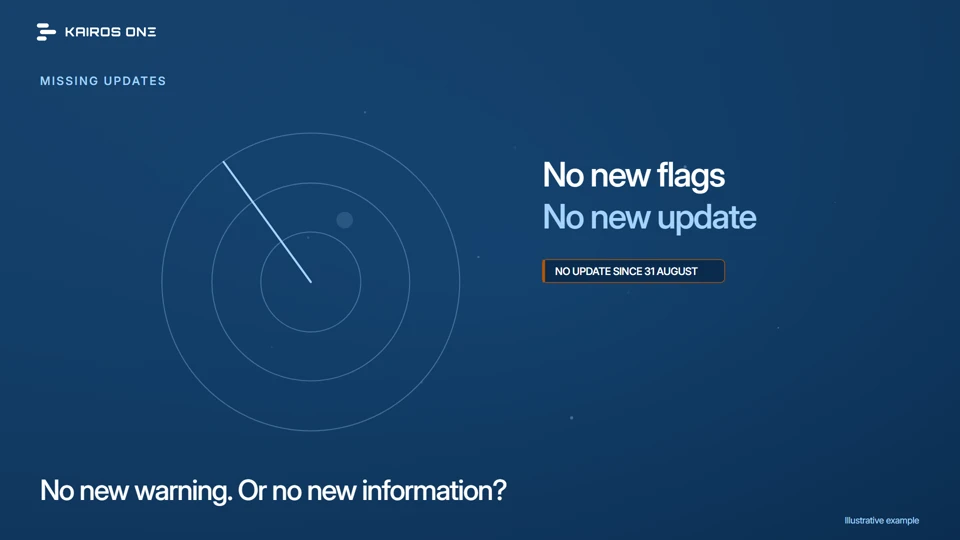 1:16
1:16Product tours · 08 of 10 / Project teams, owners & new users
A quiet dashboard can hide a missing update
Why no new warning can mean no new information, and how the Kairos worklists and one pager make a missing update visible with its reason and its date.Watch and explore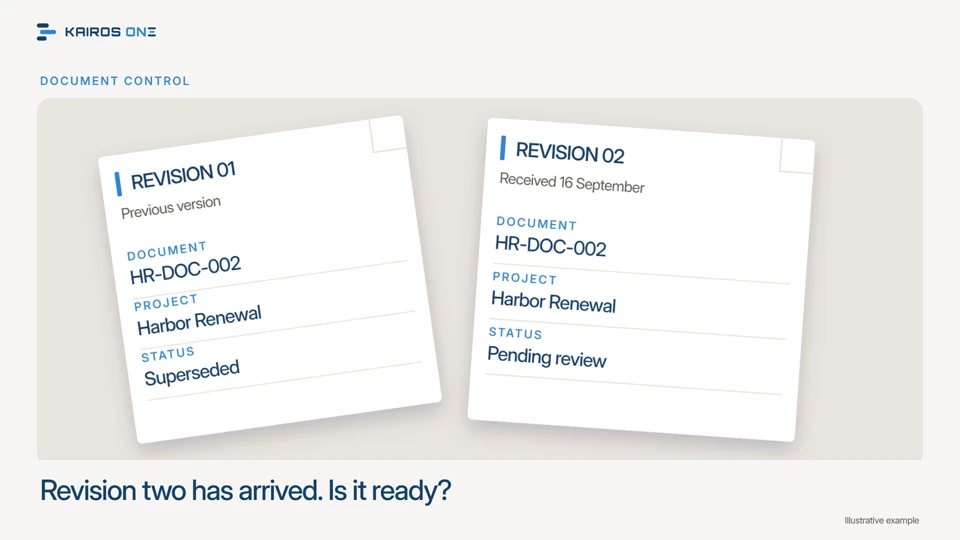 1:23
1:23Product tours · 09 of 10 / Project teams, owners & new users
A newer document is not automatically approved
Follow revision two of Harbor Renewal's marine works inspection plan from identity and revision to its recorded review status in the Kairos document register.Watch and explore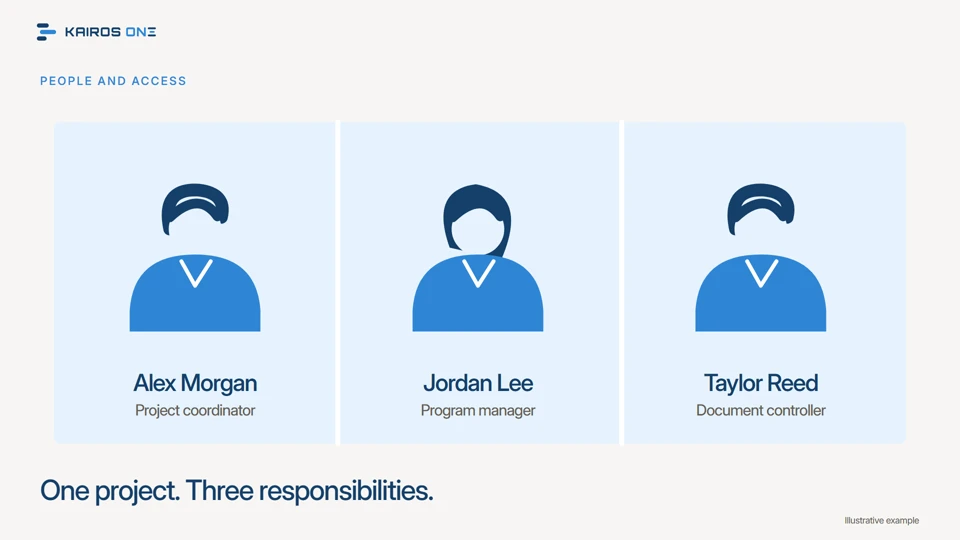 1:32
1:32Product tours · 10 of 10 / New users & team administrators
Who can see and do what?
How roles, project access and permissions shape a Kairos workspace, shown on Harbor Renewal's three team members, the People directory and the onboarding checklist.Watch and explore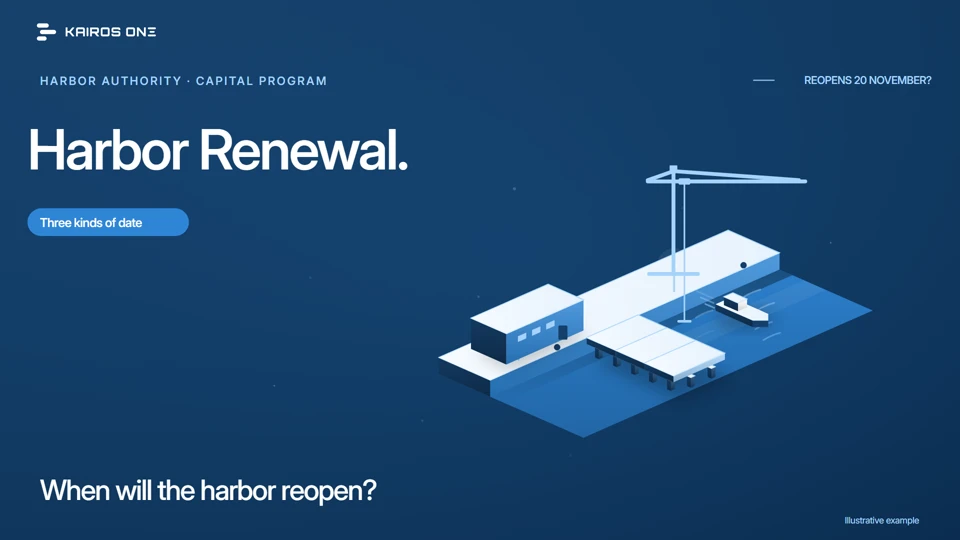 1:30
1:30Kairos 101 · 01 of 06 / Everyone
Start hereThree dates that make the plan easier to read
Baseline, forecast and data date, explained on Harbor Renewal's reopening, and how Kairos keeps all three on the record.Watch and explore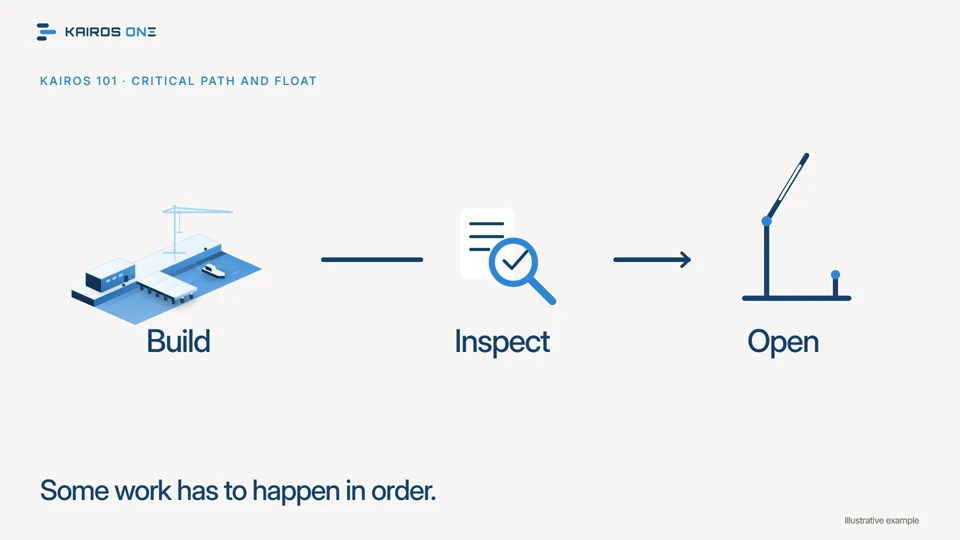 1:28
1:28Kairos 101 · 02 of 06 / Managers & project teams
Which work controls the finish?
Critical path and float, explained on the chain that reopens Harbor Renewal's pier, and how Kairos reports both for every changed activity.Watch and explore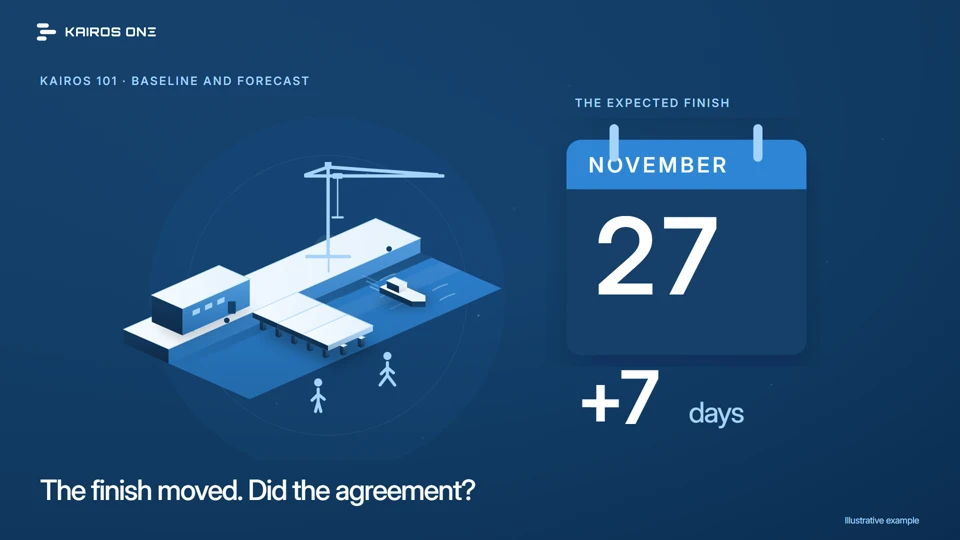 1:23
1:23Kairos 101 · 03 of 06 / Project teams, owners & new users
The plan you agreed and the finish you now expect
Why the baseline and the forecast must stay distinct, shown on Harbor Renewal's seven days and on the baseline status Kairos tracks as its own record.Watch and explore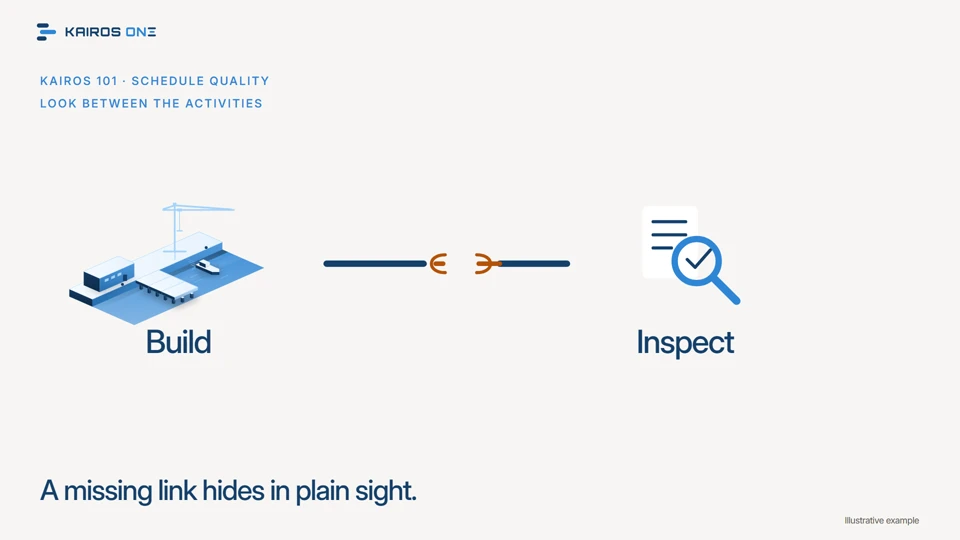 1:27
1:27Kairos 101 · 04 of 06 / Project teams, owners & new users
A full schedule still needs a quality check
Why a complete looking schedule can still be wrong, what a quality check looks for, and how Kairos tests Harbor Renewal's August update: eleven of twelve checks pass, one fails, two activities counted.Watch and explore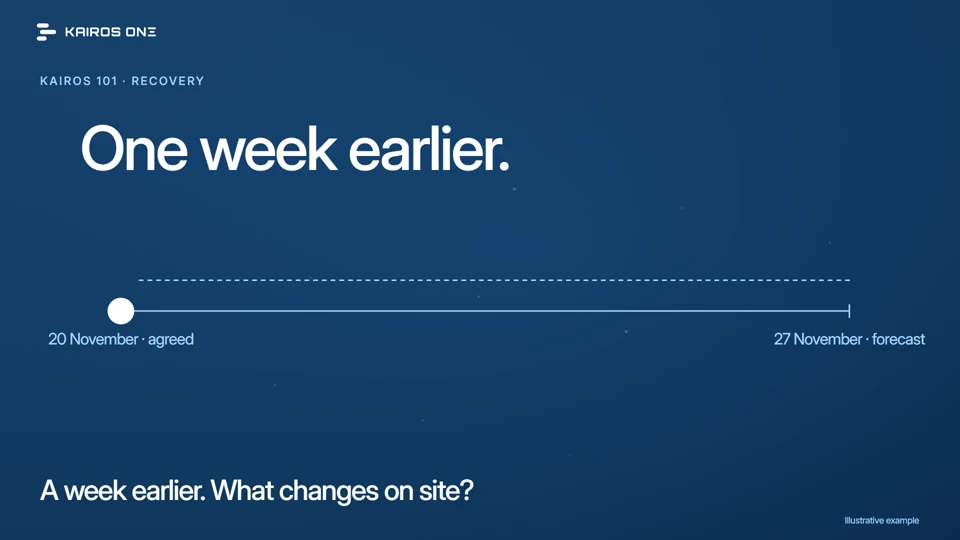 1:26
1:26Kairos 101 · 05 of 06 / Project teams, owners & new users
A recovery plan needs a reason to work
The contractor proposes to recover Harbor Renewal's week. What has to change on the critical path, which assumptions carry the plan, and how Kairos records and tests the recovery update by update.Watch and explore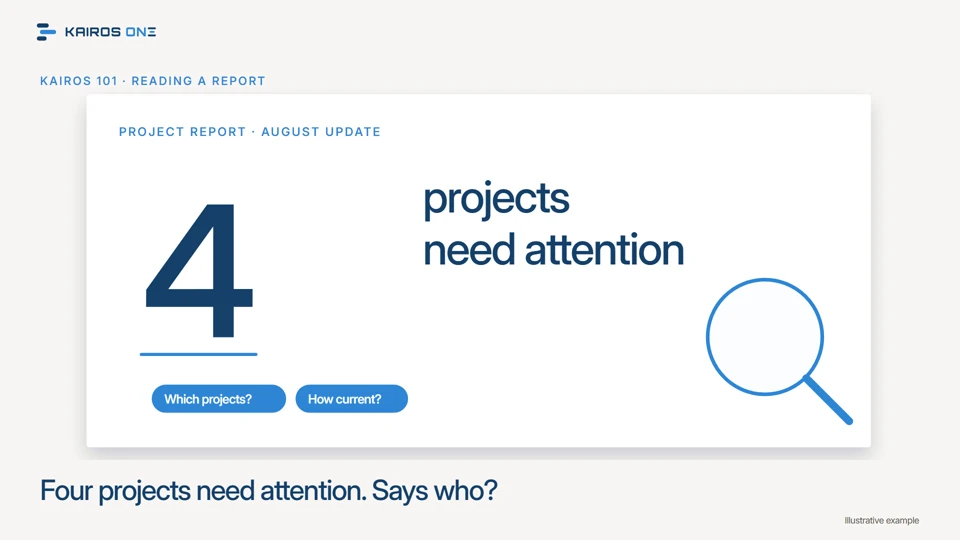 1:29
1:29Kairos 101 · 06 of 06 / Managers & new project team members
Read the context behind a project report
Three questions to ask before repeating a reporting headline: which projects, as of when, and what sits behind the number, answered on the Kairos one pager and register.Watch and explore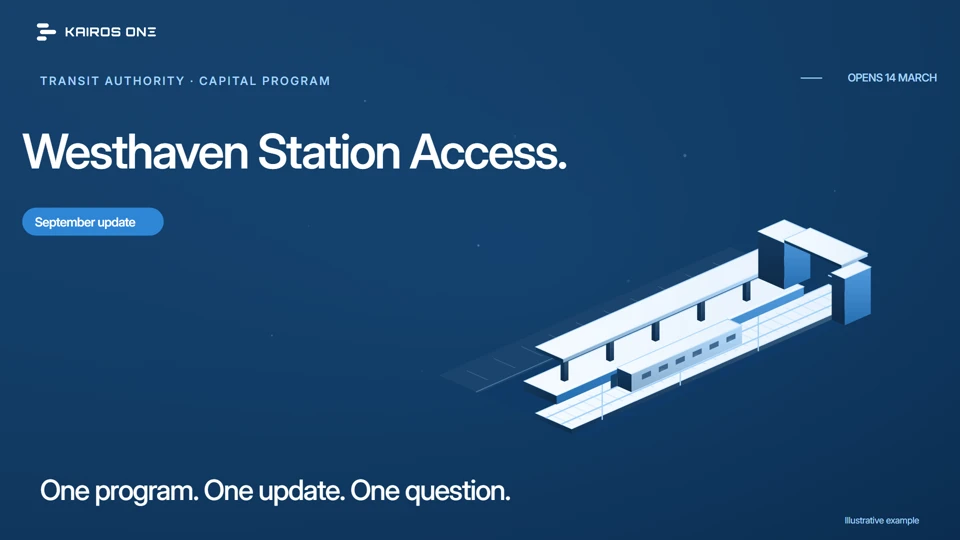 1:21
1:21Buyer guides · 01 of 05 / Buyers & project leaders
Start hereStart with one useful question
How to try Kairos on one project, one update and one question your team already asks, with the proof recorded in the product.Watch and explore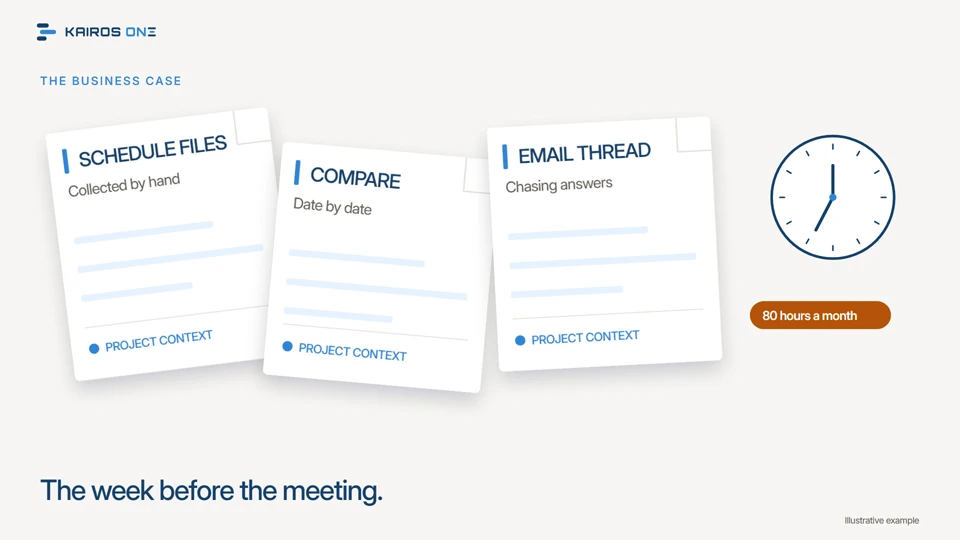 1:17
1:17Buyer guides · 02 of 05 / Managers & commercial teams
Where does your review time go?
Count the hours a monthly review really costs, see which of them software can take, and set a target you can measure instead of a saving you have to believe.Watch and explore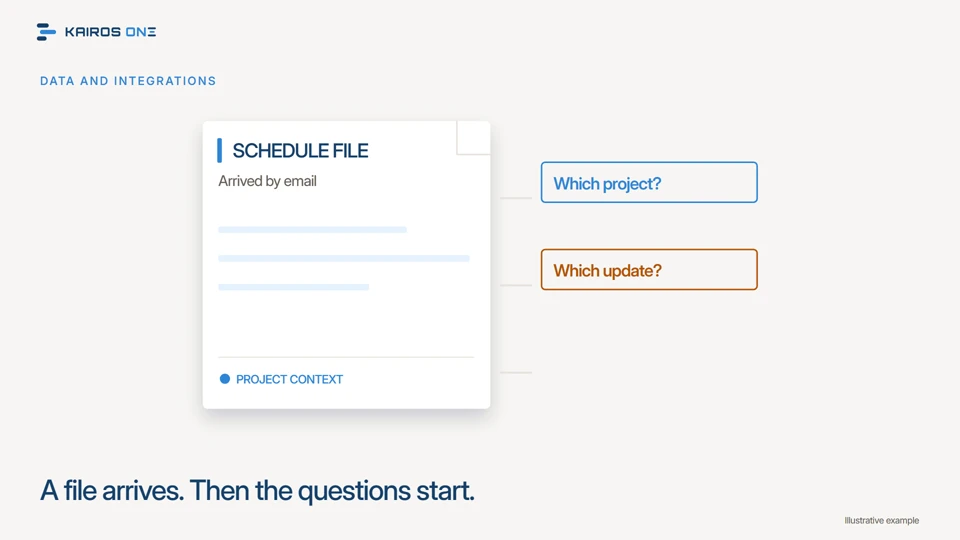 1:16
1:16Buyer guides · 03 of 05 / Project controls & technical reviewers
Give your project files the right context
What a schedule file needs to carry with it, how Kairos imports it against the right project and data date, and the checks that make the next review trustworthy.Watch and explore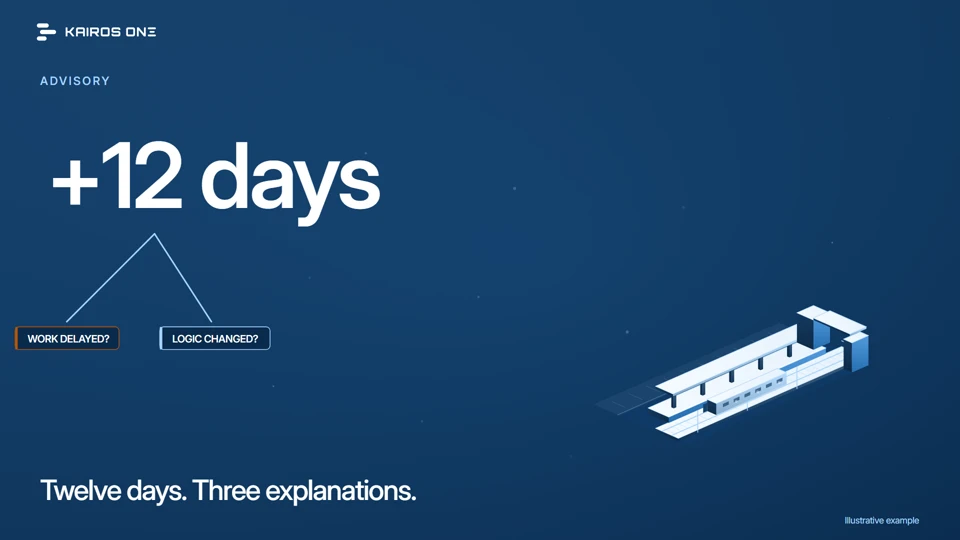 1:23
1:23Buyer guides · 04 of 05 / Owners, consultants & program leaders
Good information. Informed judgment.
A moved finish date has more than one explanation. See how Kairos organizes the evidence, how a credentialed practitioner reads it, and how the decision stays with the owner.Watch and explore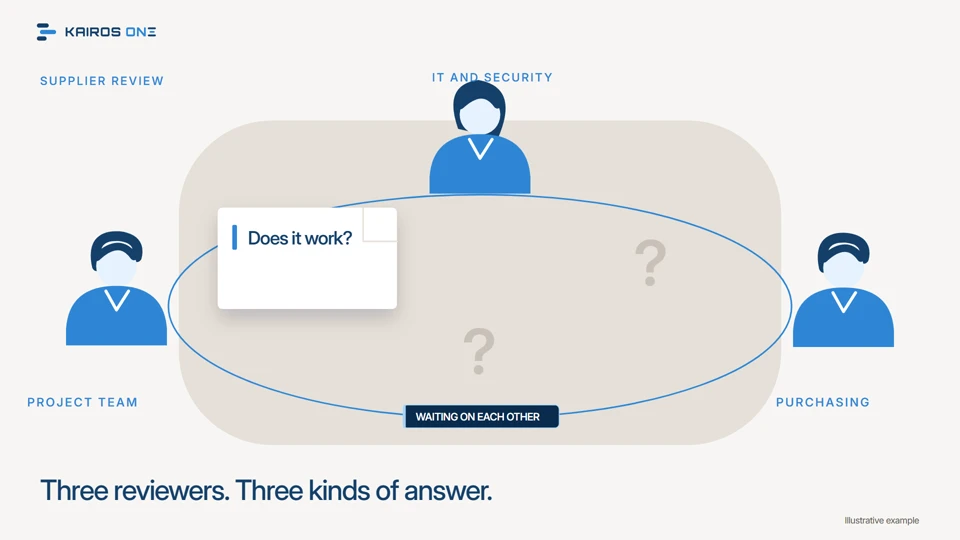 1:28
1:28Buyer guides · 05 of 05 / Procurement, security & project sponsors